How to Automatically Organize Your Messy Windows Desktop with iTop Easy Desktop 4

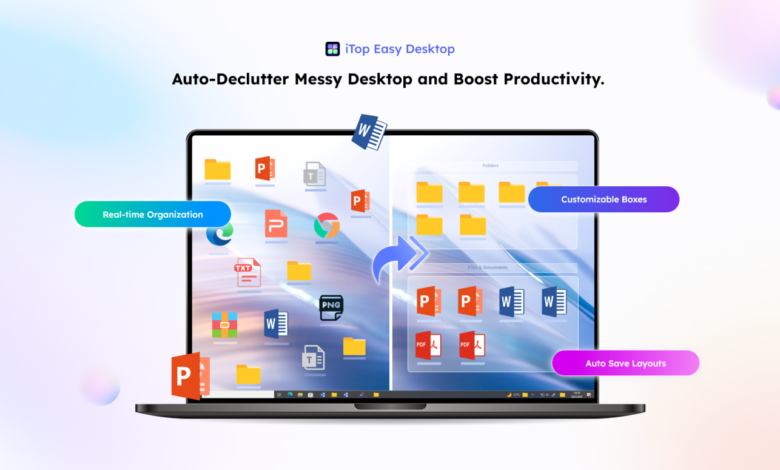
A cluttered desktop can make even the fastest computer feel slow and overwhelming. When icons, files, and folders are scattered everywhere, it becomes difficult to find what you need. This not only wastes time but also reduces productivity.
Fortunately, tools like iTop Easy Desktop are designed to solve this problem effortlessly. As a powerful desktop organizer software, it helps you automatically arrange your files, creating a clean and visually appealing workspace.
Why a Messy Desktop Is a Problem
Many users ignore desktop clutter, but it can have a real impact on performance and efficiency.
Harder to Find Files
When everything is scattered, locating important documents becomes frustrating.
Reduced Productivity
Time spent searching for files adds up and interrupts workflow.
Visual Distraction
A messy desktop can feel overwhelming and reduce focus.
Slower System Performance
Too many icons and shortcuts can slightly affect system responsiveness.
Keeping your desktop organized is essential for a smoother and more efficient experience.
What Is iTop Easy Desktop?
iTop Easy Desktop is a smart tool designed to organize your desktop automatically. Instead of manually arranging files, it categorizes and sorts them for you. As a reliable desktop organizer software, it helps create a clean and structured layout without requiring advanced skills.
Key Features That Make It Stand Out
1. Automatic Icon Sorting
It groups files based on type, such as documents, images, and shortcuts.
2. Customizable Layout
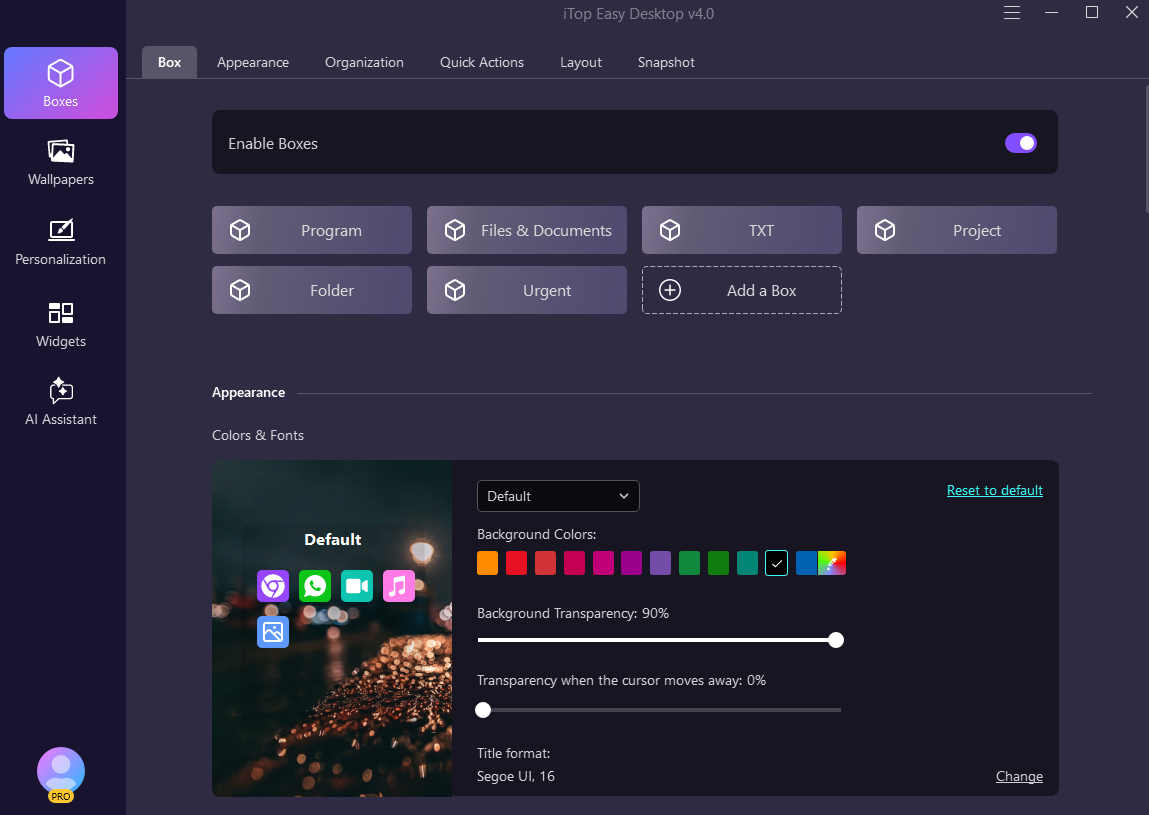
You can adjust categories and organize files according to your preferences.
3. Quick Access Panels
Important files can be accessed instantly without searching.
4. Real-Time Organization
New files are automatically placed in the correct category.
5. Clean and Minimal Interface
The design is simple and easy to navigate, even for beginners.
Step-by-Step Guide to Organize Your Desktop
Follow these easy steps to turn your cluttered desktop into an organized workspace:
Step 1: Download and Install
Get this desktop organizer software from the official website and install on your system.
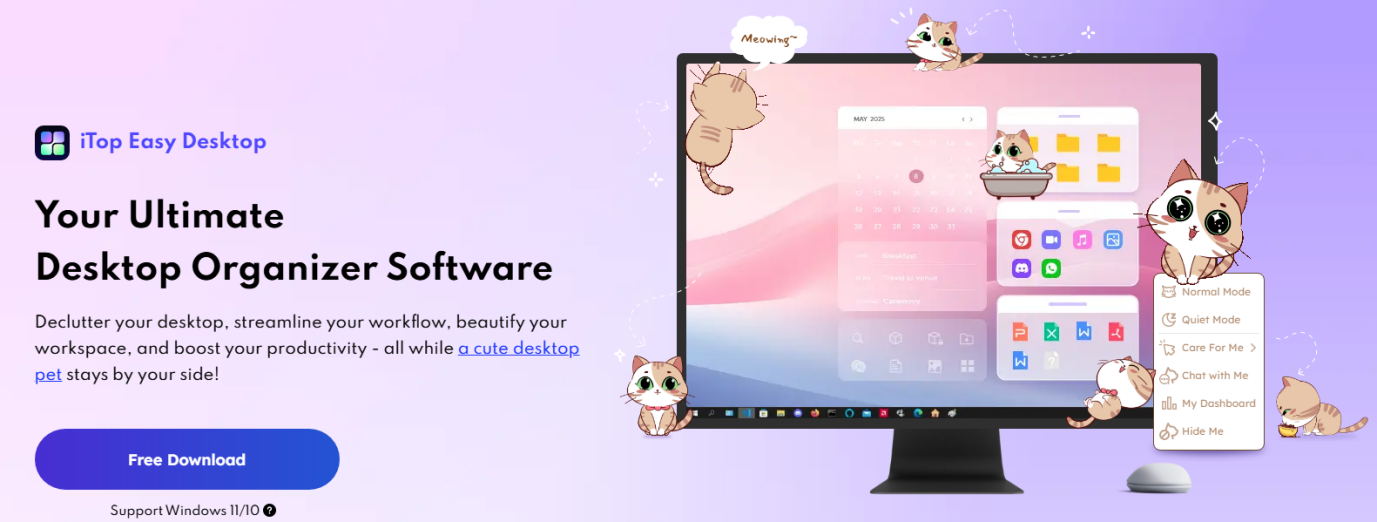
Step 2: Launch the Software
Open the program to access its main interface.
Step 3: Enable Auto Organization
Turn on the automatic sorting feature to let the tool arrange your files.
Step 4: Customize Categories
Adjust categories based on your needs, such as work files, media, or apps. Save your settings and watch your desktop become organized instantly.
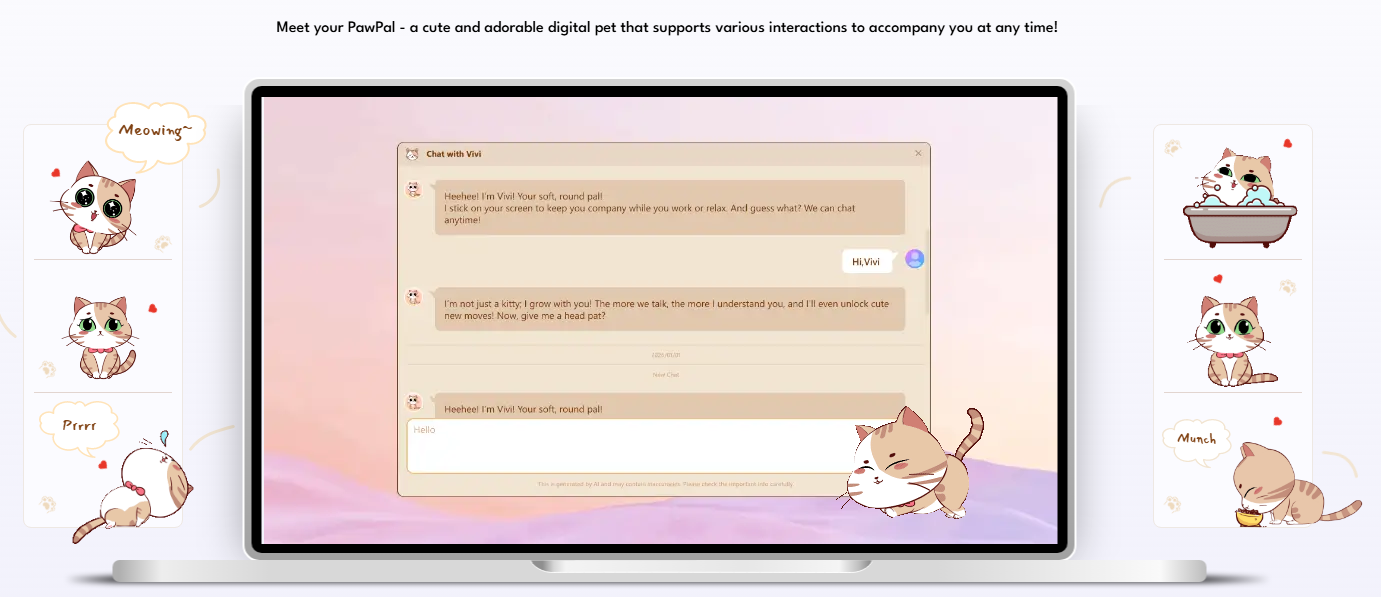
Step 5: Personalize with PawPal & Wallpapers
Summon PawPal: Go to the Personalization tab and toggle on PawPal. Your digital pet will appear. Use the “Care For Me” menu to interact or the “Chat” feature to ask AI questions.
Live Wallpapers: In the same tab, browse the library of static and live wallpapers. Select one and click Apply to instantly refresh your desktop’s look.
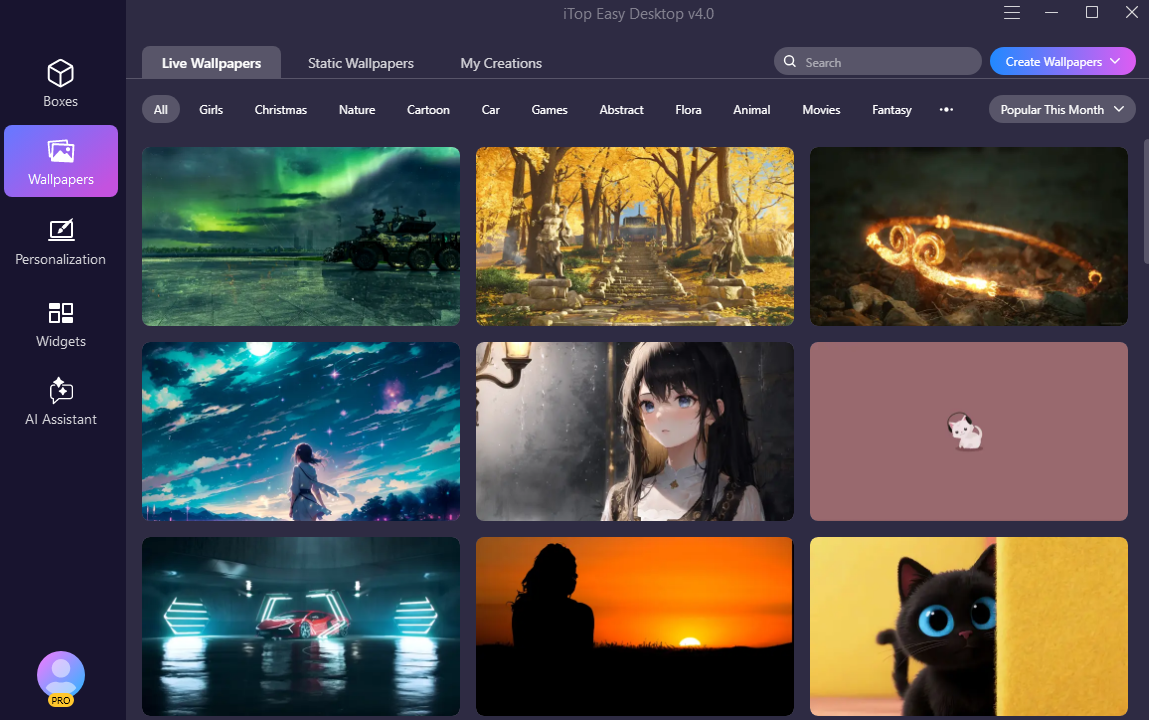
Within seconds, your messy desktop will turn into a clean and structured workspace.
Benefits of Using Desktop Organizer Software
Using a desktop organizer software like iTop Easy Desktop offers several advantages:
Saves Time
No need to manually arrange files again and again.
Improves Focus
A clean desktop reduces distractions and helps you concentrate.
Enhances Productivity
Quick access to files makes your workflow more efficient.
Maintains Consistency
Files remain organized automatically, even as new items are added.
Tips for Maintaining an Organized Desktop
Even with automation, following good habits can help maintain a tidy workspace:
Limit Desktop Items
Keep only essential files on your desktop.
Use Clear File Names
This makes it easier to locate items quickly.
Regularly Review Files
Remove unnecessary or outdated items.
Customize Categories
Organize files in a way that matches your workflow.
These small habits complement the software’s features.
Common Mistakes to Avoid
When organizing your desktop, avoid these mistakes:
- Keeping too many unnecessary files
- Ignoring automatic organization settings
- Not updating categories regularly
- Relying only on manual sorting
Using iTop Easy Desktop helps avoid these issues by automating the process.
Why Choose iTop Easy Desktop?
There are many tools available, but iTop Easy Desktop stands out because of its simplicity and effectiveness.
It offers:
- Automatic organization
- User-friendly interface
- Customizable layout
- Reliable performance
As a trusted desktop organizer software, it provides everything you need to keep your workspace clean and efficient.
Final Thoughts
A messy desktop can slow you down and make everyday tasks more difficult. The good news is that you don’t have to spend time organizing files manually. With iTop Easy Desktop, you can automatically sort and manage your desktop in just a few clicks. As an efficient desktop organizer software, it helps you stay organized, save time, and improve productivity. If you want a cleaner and more professional-looking workspace, this tool is definitely worth trying.